Quick Start
New project? Launch in three steps.
Download the component, configure it in TouchDesigner, then connect from mobile.
Open guideBuilt for studios and project teams who need mobile panel control for installations, performances, and technical workflows.
You can
Get inspired by practical scenarios you can adapt for your own TouchDesigner projects.
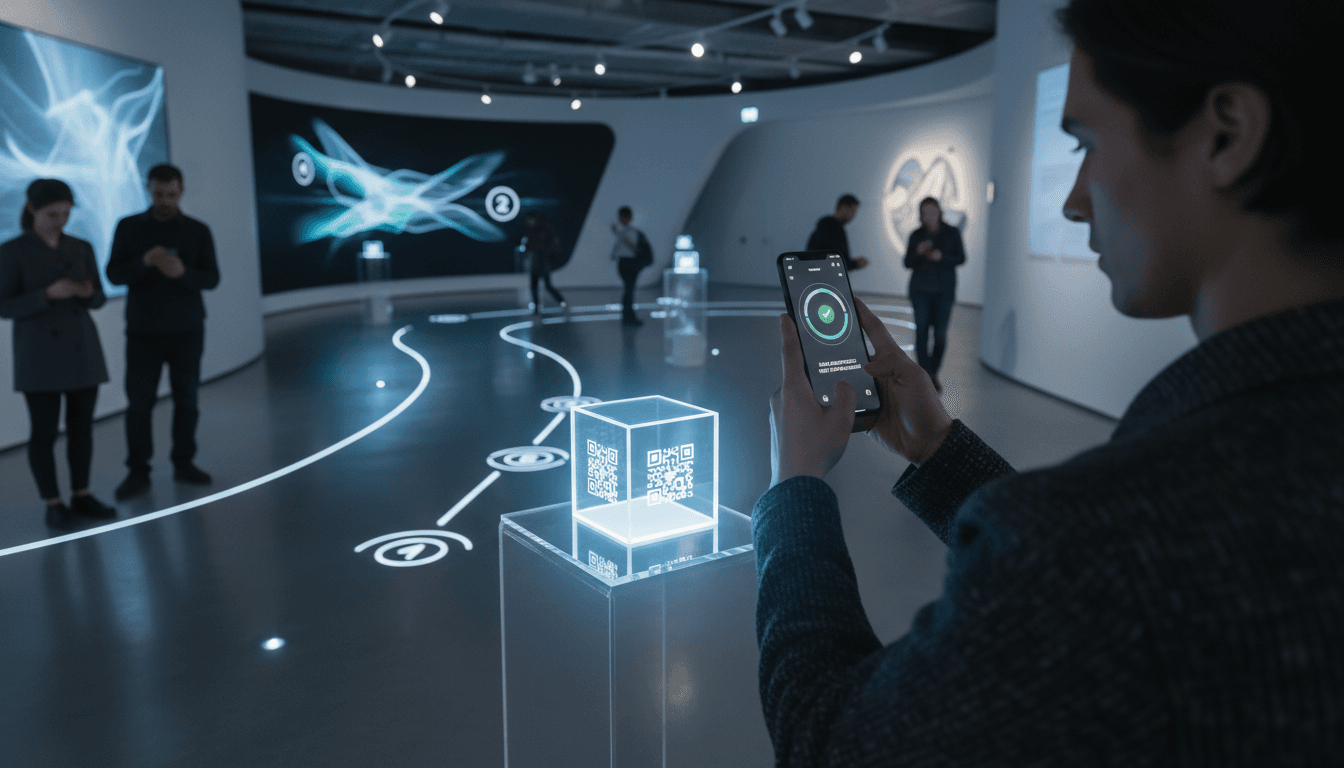
Scan-to-event logic for interactive routes
Run scan-based scenarios with QR checkpoints or marker triggers that dispatch events into TouchDesigner.
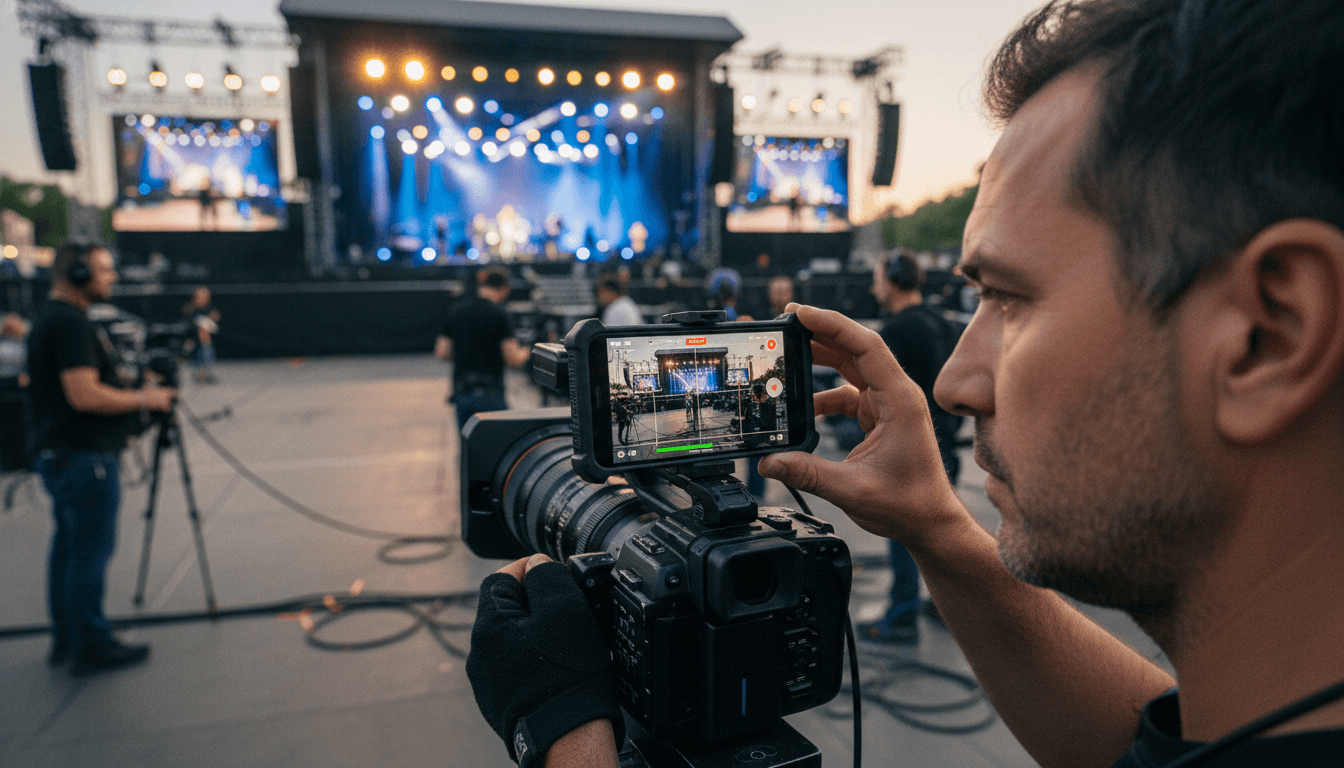
Monitoring and transport helper workflows
Build lightweight operator utilities for setup, rehearsal, and showtime support.
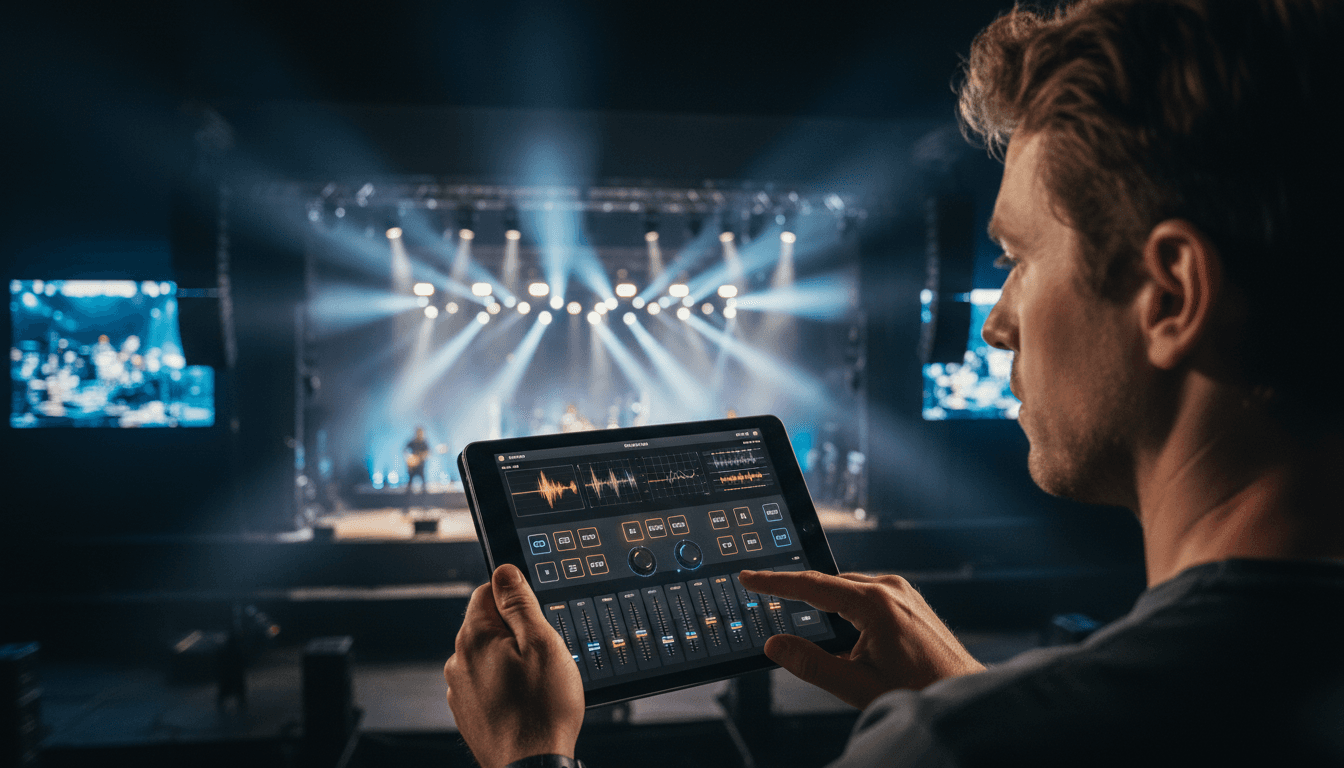
Mobile operator panels for live scenes
Build custom interfaces in TouchDesigner to run lights, mapping, cues, and state logic from mobile devices.
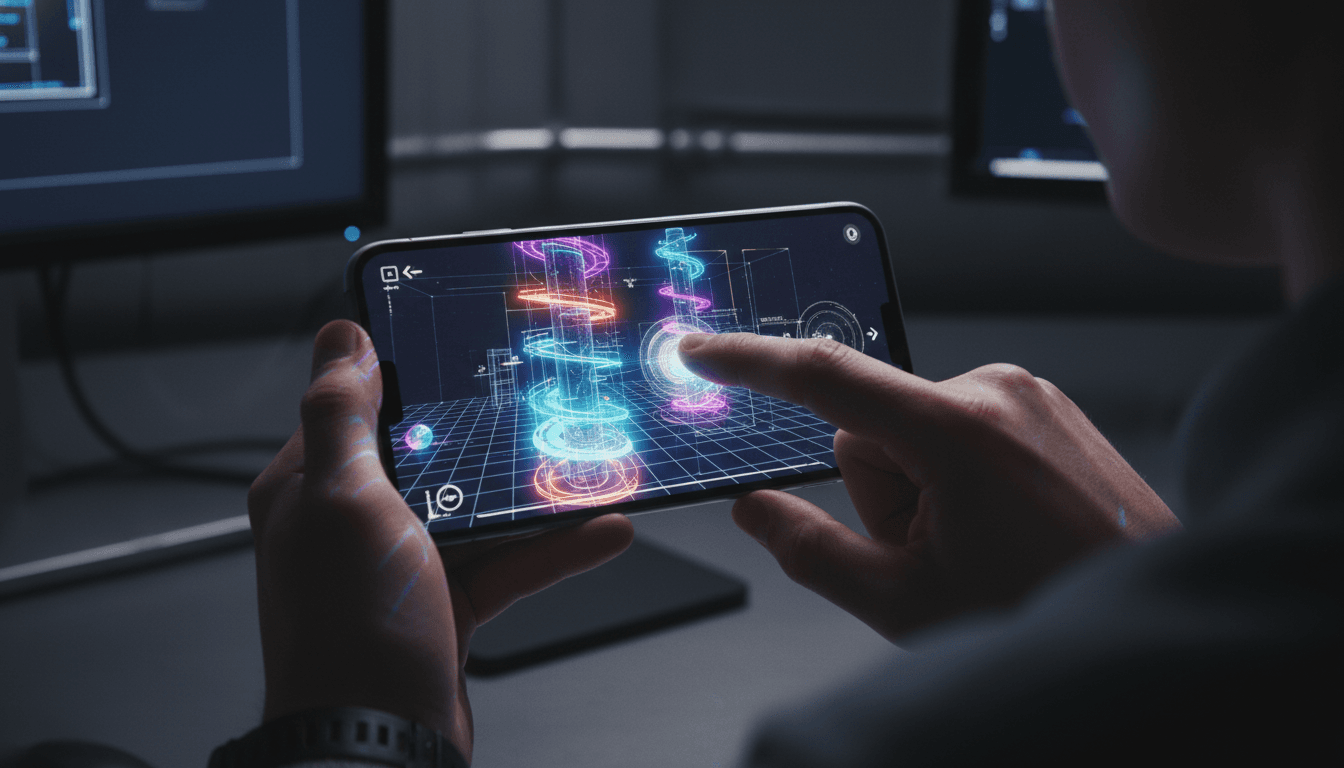
Walk through and inspect project spaces
Navigate and inspect TouchDesigner scenes from a tablet or phone without heavy rendering on weak devices.
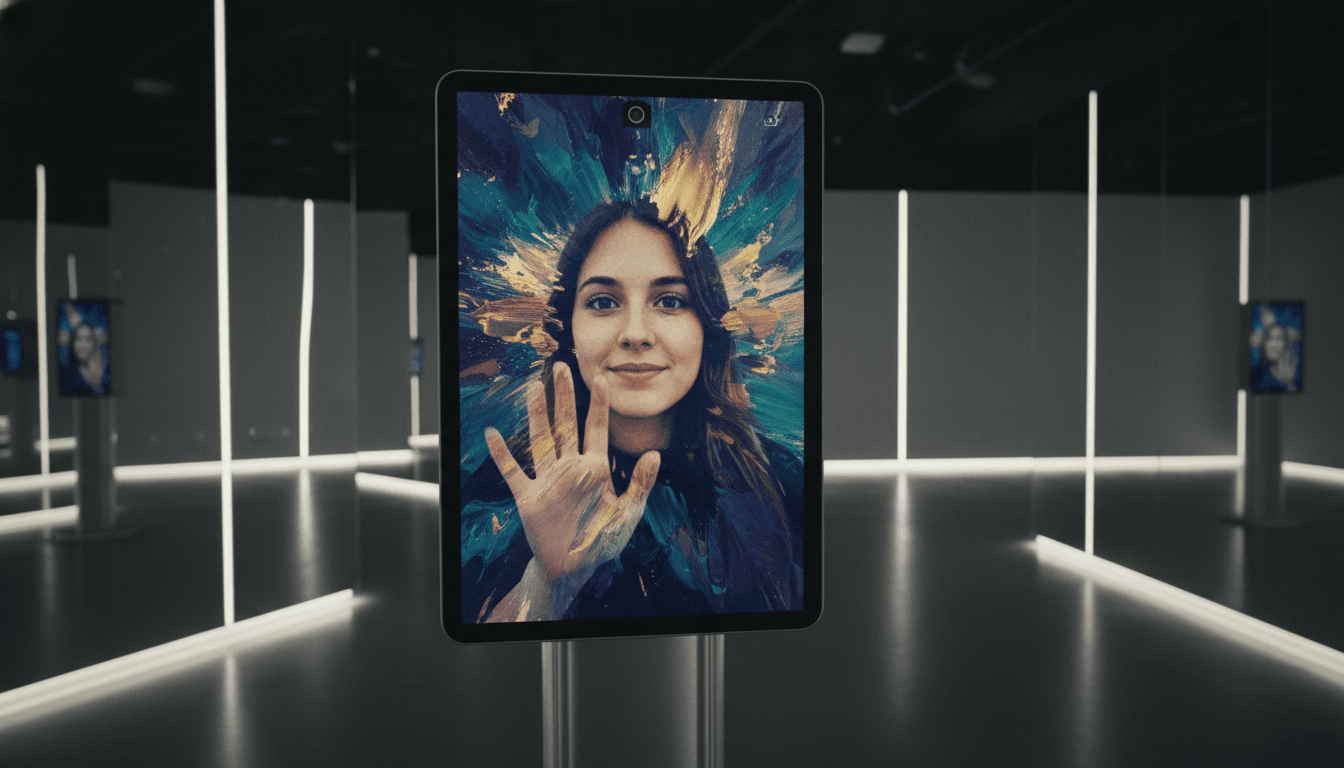
Realtime camera input as creative signal
Use mobile cameras as input channels for mirror-like effects, AI filtering, or generative media behavior.
Core functions
Stream visuals and media outputs from desktop runtime to mobile endpoints.
Control panels, scene triggers, and operator actions from phone or tablet.
Send mobile motion and sensor data into project logic in real time.
Use mobile text input for labels, prompts, values, and cue notes.
Protect live setups with controlled exits and safer public operation.
Quick Start
Download the component, configure it in TouchDesigner, then connect from mobile.
Open guideSee what PRO unlocks, choose the device pack you need, and pick the billing option that fits your workflow.
Explore PRO